“Never go back-to-front”
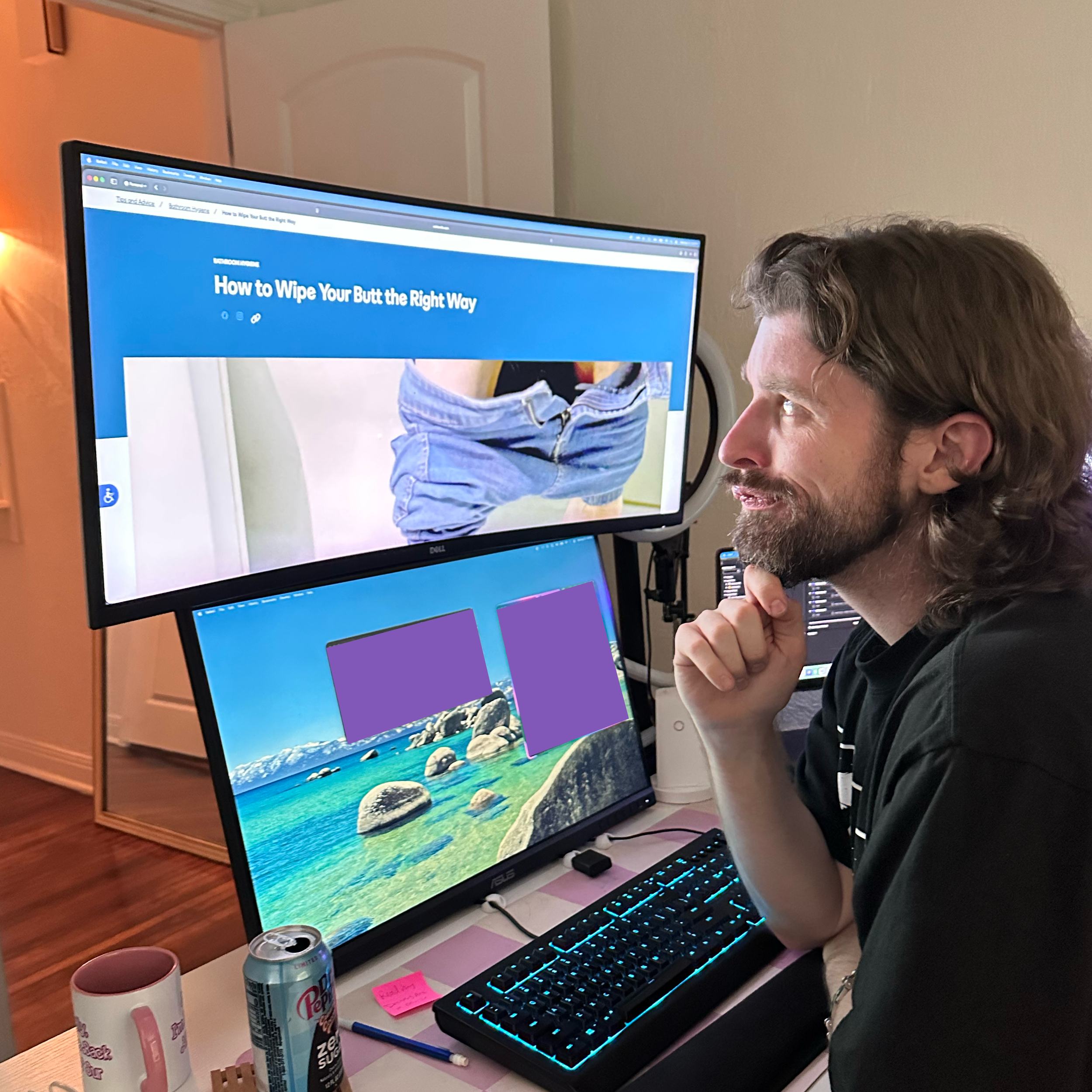
This was wisdom passed down from my father long ago, and I lived by it for many years. It’s a solid rule for personal hygiene, and honestly, a decent rule for life.
But now, as a professional video editor in Little Rock, Arkansas, I’ve started seeing things differently. When it comes to my timeline, I’m totally a back-to-front kinda guy.
So if you’re looking to learn something new about video editing and, potentially, yourself, keep reading. And, if you stumbled upon this blog only after searching “should I go back-to-front?” please refer to the first line of the blog post.
Key Takeaways
Right-to-Left Revisions: Work backward on your timeline to prevent your cuts from shifting your client’s feedback timecodes
The Blind Cut: Close your eyes and let the audio dictate the natural pacing of the dialogue
The Decoy Graphic: Use Comic Sans or bright placeholders in your rough cuts so clients focus on the story rather than nitpicking the design
Tip 1: Work Back-to-Front
In the Western world, we are taught to process things from left to right. Our language, books, and even our editing timelines are set up this way.
But, as an avid manga reader, I have to ask: have you ever given right to left a try? Here’s why it works better:
When it comes to client feedback, I use a tagging system called Frame.io. It allows my clients to make comments that are connected to the video’s time code. Before this, I required clients to enter the timecode into a Google Sheet for feedback.
The kids have no idea how far we’ve come. But, even with the new-fangled solutions, the old problems persist.
If your client leaves a revision at the 0:10 mark, telling you to cut a couple seconds, then the remainder of their feedback will be off by that much time. Every second cut is another you have to keep up with on the growing pile of crumpled sticky notes that litters your desk.
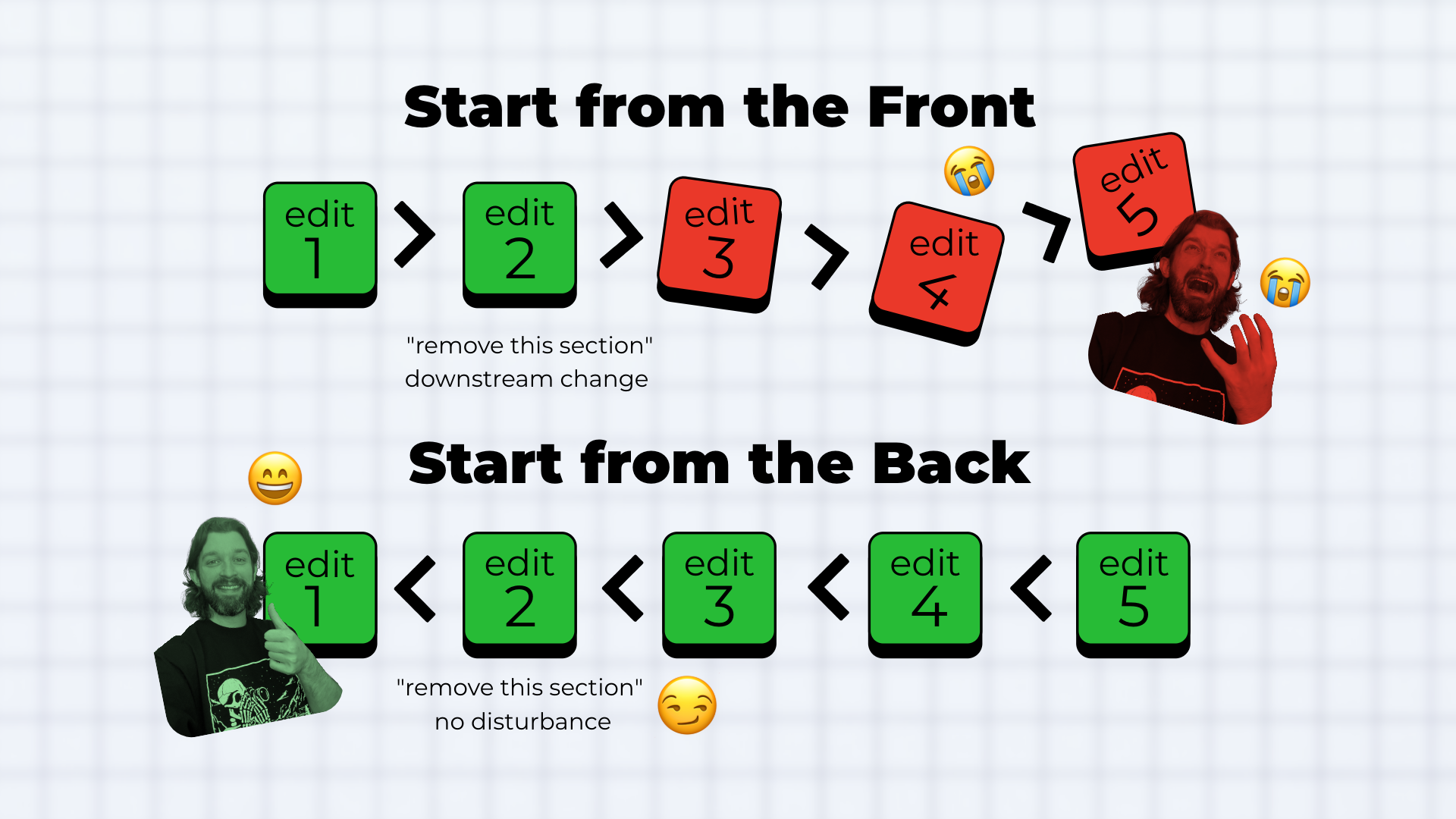
Just bad vibes all around.
The solution is to approach client edits from back-to-front. That way, when you make a cut, the edits you haven’t addressed stay right where they belong.
But it’s not enough to just address feedback. Sometimes you’ve got to preempt these edits by editing blind.
Tip 2: Let Your Ears See
It’s easy to fall into the “seeing” trap. Video editing is a visual medium, therefore it feels like the logical option is looking at your video.
”Wow! This is the kind of elite ball knowledge I come to this blog for” you say, but let me drop some real wisdom on you.
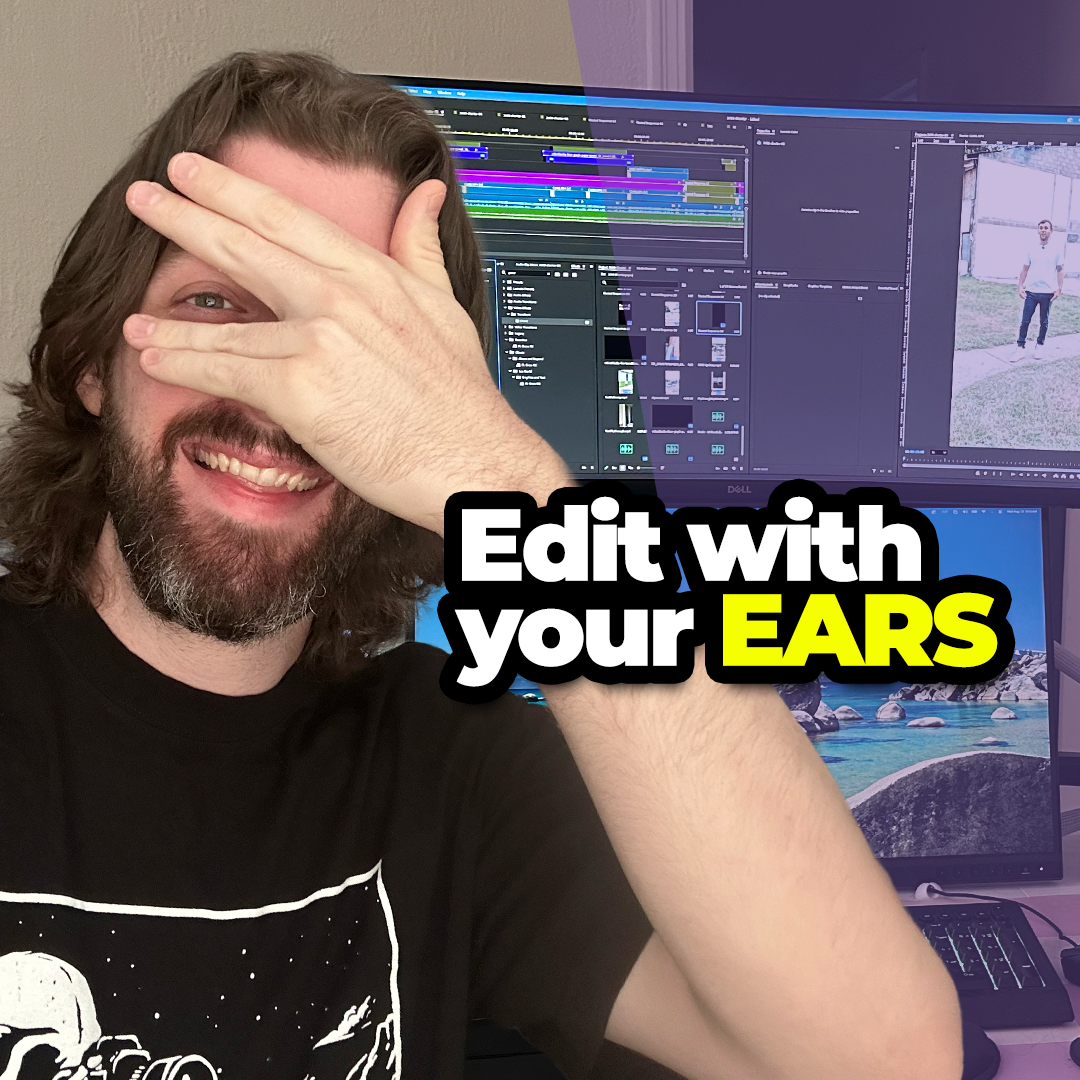
Sometimes, the best way to edit something is by closing your eyes. It seems counterintuitive, but it’s important to remember that, while streaming services will frequently drop video quality, they rarely ever change the audio.
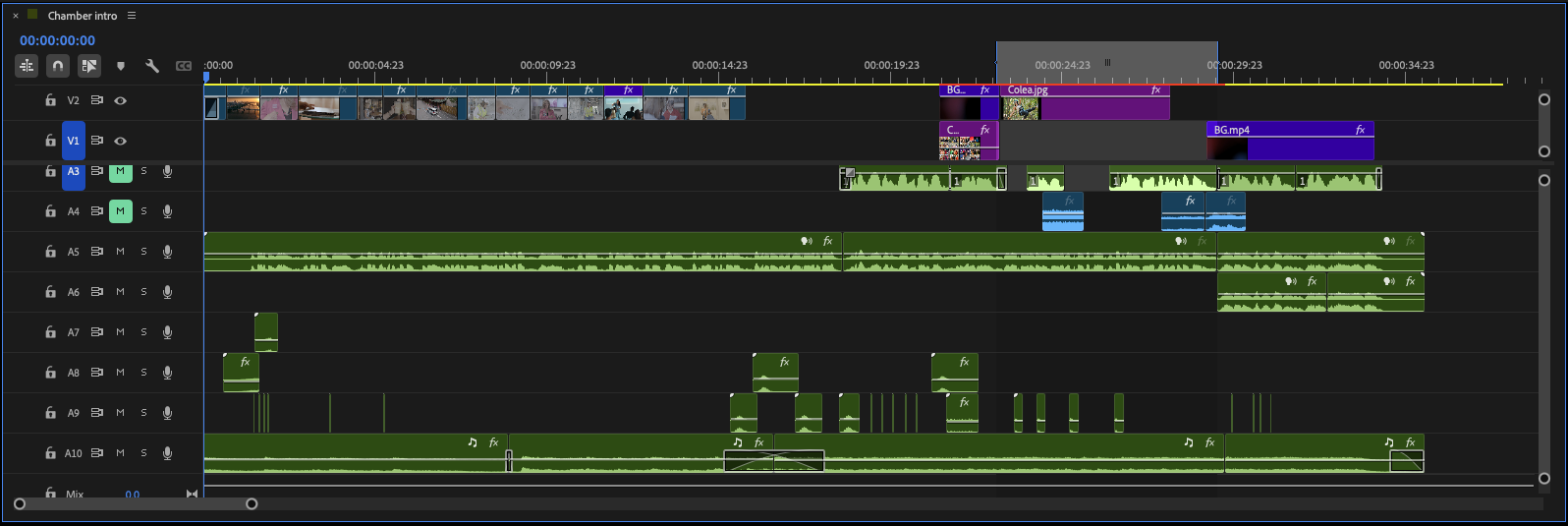
There are some things that your eyes just can’t see. By cutting down on the amount of sensory information your brain is receiving, you’re allowing yourself to zero in on the cadence of the interview or the pacing of the dialogue.
But, to really drive the point home, you gotta make your video ugly.
Tip 3: Use Ugly Placeholders
If you try to add too much stuff in the first round of edits, you’ll find your clients falling over themselves with feedback. In order to manage expectations, it’s important to attack things in phases. When I work on a project with a client, I usually start with a rough cut, then move onto graphics, and then finish with music and sound design. Each stage is important and builds on the others.
That’s why, to communicate the concept to my client without inviting speculation, I’ll use ugly placeholders to denote a lower third or animated statistic during the first round of edits.
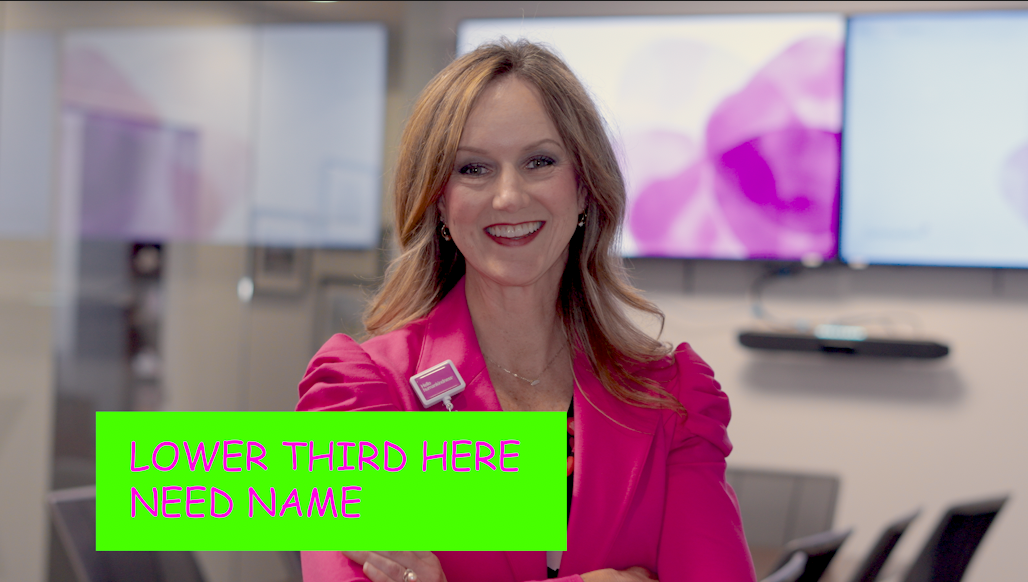
This is kind of similar to seeing the drywall during a construction project. Your brain accepts it as a placeholder and knows that it will eventually be painted over. Instead of focusing on the comic sans full screen text card, the client will instead pay attention to the actual words being spoken.
The Wrap Up
At the end of the day, post-production is just as much about managing client psychology and software quirks as it is about telling a good story. Sometimes you have to break the fundamental rules of how we read, what we watch, and what constitutes as “good design” to get a project done.
And, if you’ve read this and decided that video editing is way too difficult for you, you’ve come to the right place. Book a discovery call today and find out how zeedubyah creative can help you with all your professional video production and video editing needs.